

AI writing has become a part of everyday life. Content creators use it for faster production, businesses use it for marketing and ideas, students use it for assignments, and teachers for lesson plans. With so many people relying on ai writing tools, the demand for cheap AI writing tools in 2026 is growing quickly.
The issue is that many popular platforms are expensive, their free versions are too limited, and sometimes the writing still needs major editing to feel human. So choosing a tool that is both affordable and genuinely useful is a big challenge.
I’ve tested these tools in real projects, so you get advice that truly works.
Why Cheap AI Writing Tools Matter in 2026
In 2026, content creation is not slowing down. Everyone needs articles, product descriptions, emails, and social posts, and they need them fast. That’s why cheap AI writing tools have become a smart choice for most people.
You don’t need a $100-a-month tool to write something good. I’ve tested dozens of low-cost and free options myself, and many of them deliver solid results if you know how to use them properly.
The goal is simple: spend less and still get content that performs well. My focus here is to help you choose tools that actually give you maximum value, not the tools that look fancy but waste your budget.
Quick Picks: Best Cheap AI Writing Tools In 2026
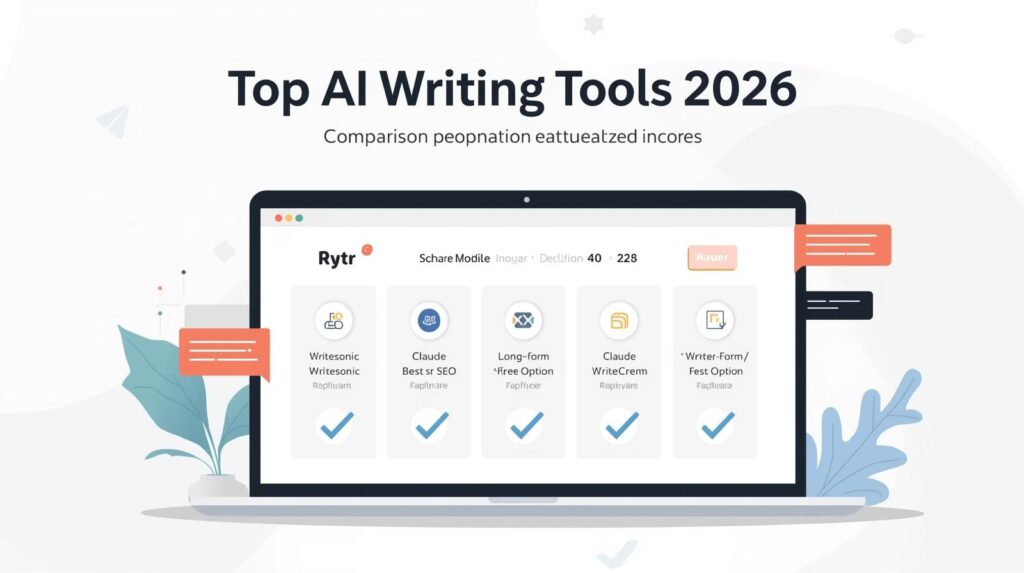
Before we go deep into the reviews, here are my top quick recommendations based on real testing, not guesses or affiliate hype. These tools offer the best value for different needs:
Best Overall for Budget Writers
Rytr: A strong, low-cost AI writing tool that covers most everyday content needs without draining your wallet.
Best for SEO-Optimized Content
Writesonic: Ideal if you want affordable AI content tools that help with rankings, outlines, and SERP-driven articles.
Most Capable Free Option
ChatGPT Free / Go: If you know how to prompt properly, this budget AI writing software can outperform many paid tools.
Best for Natural Long-Form Writing
Claude: Human-like tone, excellent for articles and thought-based content, even on cheaper plans.
Best Lifetime Deal
Writecream / WordHero: A one-time investment for long-term content creation, great for freelancers and agencies scaling output.
How I Measured “Cheap but Worth It”?
When I say “cheap”, it doesn’t mean low quality.
My goal is always the best ROI, tools that deliver results without demanding a premium subscription.
Here’s exactly how I judge whether an AI writing tool earns a place on my list:
1. Price vs. Output Quality
I test how well the tool handles real content tasks:
- SEO blogs
- Product descriptions
- Emails
- Social captions
If a $10/month tool performs like a $50/month one, it wins.
2. Free Plan That Actually Helps
A free plan is useless if:
- It gives only 1–2 short outputs
- It adds watermarks
- It blocks an essential feature
I only consider free plans that let beginners complete real projects.
3. SEO Writing Ability
As an SEO specialist, I focus on:
- Keyword understanding
- SERP-based content suggestions
- Proper structure: H2/H3, meta description, internal links
- No over-optimization or keyword stuffing
Tools that help content rank naturally get higher scores.
4. Tone and Readability
Even cheap AI writing tools in 2026 must produce writing that sounds like a human, not robotic, not generic.
I check:
- • Flow
- • Word choice
- • Audience-friendly tone
- • Minimal editing needed
5. Long-Term Value
I evaluate whether the tool:
- Provides continuous updates
- Has scalable plans
- Offers lifetime deals worth considering
- Supports growth for freelancers and small agencies
1: Rytr: Strong Budget AI Writer for Fast Content at Low Cost
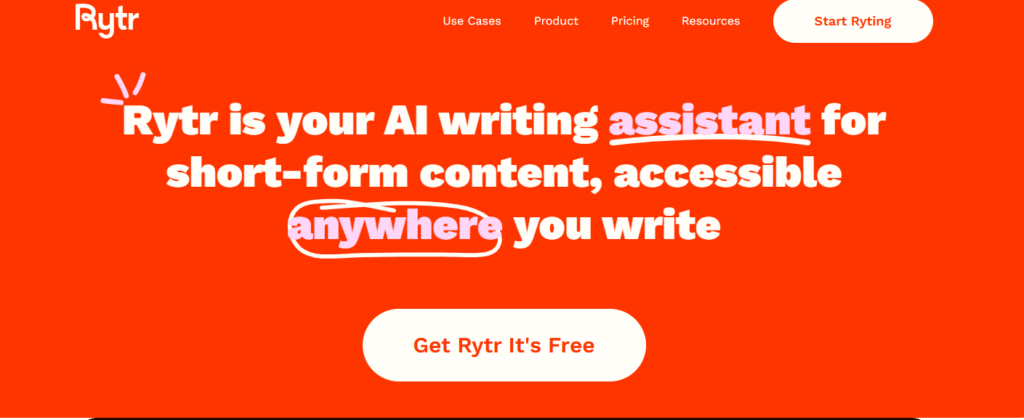
Rytr is one of the most practical, cheap AI writing tools in 2026 if you want to get fast results and don’t want to spend too much money.
I’ve tested it for real projects like product descriptions, email drafts, and blog sections, and it consistently gives a solid starting point. It’s not trying to be fancy or overloaded with features you’ll never use. Rytr is built for speed and simplicity, which is exactly what many freelancers and small teams need when deadlines are real and budgets are tight.
Pricing Snapshot
(Always check the official website for updated pricing)
- Free plan: Good for occasional use and testing
- Paid plans start around $9/month, strong value for freelancers and small businesses
Where Rytr Works Best (My Findings)
- Short-form content: emails, intros, descriptions, captions
- Fast content you plan to edit anyway
- People who want to save time without learning a complex tool
Where It Needs Support
Rytr isn’t my pick for long-form SEO articles. The structure needs improvement, and depth isn’t always there.
That’s fine, it’s a starter tool, not a premium content strategist.
Expert Verdict
If you’re building your portfolio or handling low-budget client work, Rytr helps you deliver more in less time. Just treat its output as a first draft and apply your editing and SEO skills to take the content to a higher level.
2: Writesonic: Best Budget AI Writing Tool for SEO & Volume
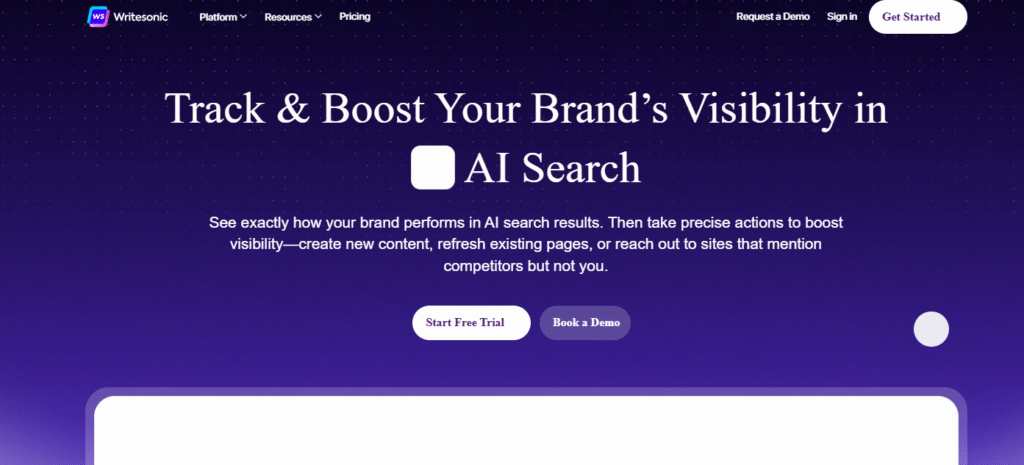
Writesonic gives you a full content-creation workflow that matches what I expect from a serious SEO agency. I use it when I want reliable output, SEO flexibility, and more volume without paying enterprise-level prices.
Pricing Snapshot
- Free trial / basic usage lets you try article generation and get a feel.
- Entry-level plan: about US $39/month (billed annually) for modest content volume.
- More capable plan: roughly US $79–99/month for heavier usage. ToolHatch+1
Where Writesonic Wins (In My Tests)
SEO-ready content generation: It gives you outlines, drafts, and blog posts that require far less restructuring than most cheap tools.
Versatility across content types: Blog posts, landing pages, social media posts, ad copy, product descriptions. Writesonic handled all in one platform.
Fast output for volume work: When you need several drafts quickly, like monthly content calendars, Writesonic handles volume without breaking the bank.
Decent balance of cost and output quality: Not perfect, but for the money you pay, it delivers more value than many “budget” tools I’ve used.
Where It Needs Your Touch
Some editing is usually required: Especially for in-depth articles, SEO polish, keyword placement, and ensuring originality. AI builds the skeleton; you must add the muscle.
Limits on lower tiers: If you produce large volumes or long-form content regularly for clients, basic plans may hit word quotas quickly.
Slight learning curve to get max out of it: When you use its SEO features, templates, and settings correctly, the output gets good. But that setup takes a bit of time.
Expert Verdict
Writesonic is my go-to when I need a “smart but affordable AI assistant.” It works for agencies, freelancers, and small businesses especially if you:
- produce regular content at scale,
- need SEO-aware writing,
- want flexibility across many content types.
If you treat Writesonic as a draft + base tool, and then apply your SEO and editing skills, you’ll get strong content without high recurring costs.
3: ChatGPT (Free / Low-Cost Options)
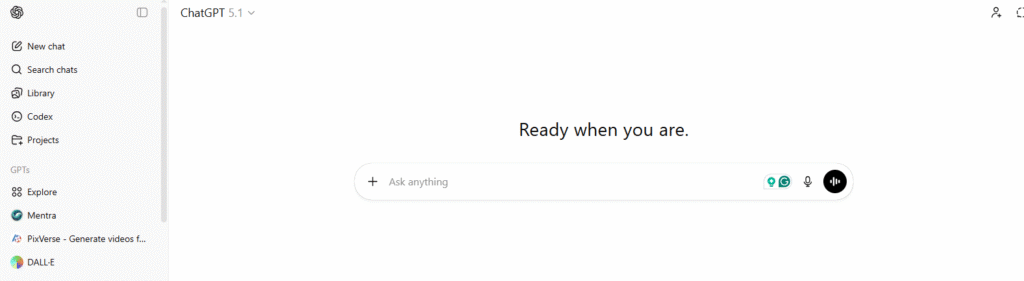
ChatGPT is the most flexible and capable AI writing tool on this list, even when you’re using it on a budget. With the free or low-cost plan, you still get a powerful writer who can handle almost anything, including blog ideas, full articles, scripts, email sequences, ecommerce copy, and product research.
I use ChatGPT daily inside my SEO agency because it saves hours on planning, outlining, rewriting, and content cleanup. The key is knowing how to guide it properly with the right prompts and structure.
You can get expert level and my personally tested SEO Content Writing prompts here.
Pricing Snapshot
- Free Plan is strong for outlines, drafts, and short articles
- Low-cost plan depending on region, extremely affordable for what it can do
Note: Pricing changes often, so always check the latest plan available in your country.
Where ChatGPT Wins (From My Real Usage)
- Best for versatility: ChatGPT works for almost every content type, including things most AI tools struggle with.
- Excellent for SEO research + structure: Keyword grouping, topic clusters, content outlines, FAQs, meta descriptions
- Strong editing and rewriting skills: It can fix tone, clarity, grammar, and flow like a professional editor.
- Fast ideation tool: Great when you’re stuck, removes writer’s block completely.
- No learning curve: Easy for beginners and powerful for experts.
Where It Needs Expert Handling
- It can be too generic: if you don’t give clear context, examples, and structure
- Factual errors possible: Especially in niches that change quickly
- Output can lack originality: Unless you add real insights and an SEO strategy
Expert Verdict:
If you were to start with just one cheap AI writing tool in 2026, ChatGPT is the smartest choice. It gives you maximum capability at minimum cost, but don’t think of ChatGPT as a one-click content machine.
4: Claude: Best Natural Writing Quality on a Budget
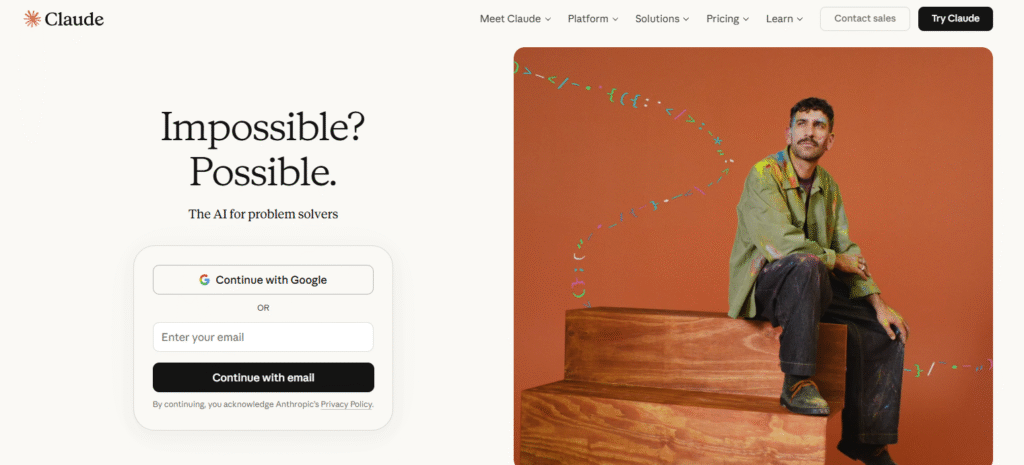
Claude’s writing feels like a human. It is naturally structured, clear, and thoughtful.
Whenever I need content that sounds like a real writer created it (not a machine rushing to fill paragraphs), Claude consistently performs better. It understands context, tone, and reasoning much deeper than most budget writing tools.
Pricing Snapshot
- Free plan available with generous writing limits
- Paid plans are more affordable than many premium AI tools
(Always check official pricing because plans vary by region and updates)
Where Claude Delivers the Most Value
- Long-form blog writing: Better flow, better transitions, fewer robotic patterns.
- Professional email and copywriting: Polished tone without overdoing it.
- Complex idea explanation: Excellent for content that requires reasoning, clarity, and accuracy.
- Rewriting tasks: It can improve voice and readability in a way that cheaper tools often fail.
Where It Needs Your SEO Expertise
- It doesn’t focus heavily on search optimization unless you instruct it properly
- The blog structure may need manual adjustments for ranking
- You must guide it with keyword placement and content strategy
Expert Verdict
If you want high-quality writing without expensive subscriptions, Claude is the best way to get a natural, professional tone, especially for authority articles, email campaigns, and informational web pages.
5: Writecream: Best Lifetime Deal & Outreach-Focused Content

Writecream is one of the smartest investments if you want a one-time payment tool that continues to help you create content for years. It’s especially strong for outreach-based writing, cold emails, product pitches, personalized messages, and short marketing content.
I tested Writecream for email icebreakers and social captions, and it surprised me with how quickly it builds short, catchy lines that don’t feel copy-pasted.
Pricing Snapshot
- Free plan available with enough credits to test real output
- Lifetime deal options (when available) are a major advantage for long-term use
- Affordable monthly plans if you prefer a subscription
(Lifetime deals change over time, so I always recommend checking the official site or reliable deal platforms.)
Where Writecream Works Best (From My Use)
- Cold emails and outreach: It saves hours every week
- Short product descriptions for e-commerce: Writes quick and clear descriptions.
- Voiceovers and audio content: Unique bonus feature, and it’s not common in cheap AI writing tools in 2026
- Social captions and hooks: This is punchy and attention-grabbing
If clients pay per project, having a tool that handles all the small writing tasks can increase your delivery speed and profit margin.
Where You Need to Support It
- Not made for in-depth SEO articles. Content requires heavy editing for long-form
- Templates can feel repetitive if you rely too much on defaults
Expert Verdict
If you are a freelancer or small business owner and need a tool for cold emails and outreach, for product descriptions or social media captions and hooks, then Writecream stands out because of their efficiency, lifetime deals.
6: WordHero: Best One-Time Purchase for Consistent Content Output
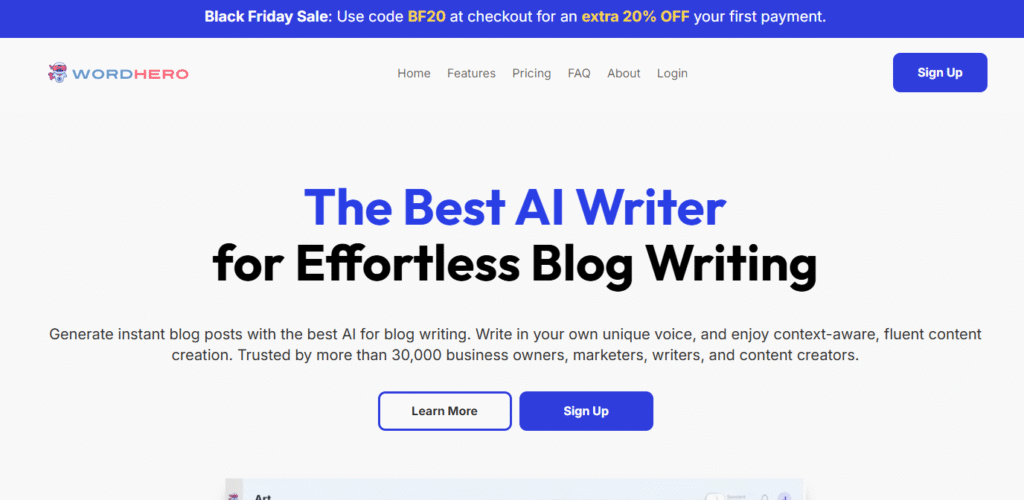
WordHero stands out among budget tools when you want a reliable, long-term solution especially if you prefer to avoid the stress of monthly subscriptions. For many freelancers and small agencies, WordHero becomes an essential content engine.
I’ve tested WordHero for long-form blog drafts, multiple short-form pieces, and even multilingual content for clients outside English-dominant markets. It delivers a predictable, usable baseline which I polish further with SEO and human editing.
Pricing Snapshot
- Lifetime purchase option one-time fee that grants long-term access (ideal if you plan heavy use)
- Affordable monthly tier for those who want flexibility
Where WordHero Shines (From Real Use Cases)
- Regular blog production: Great when you run multiple niche blogs or content-heavy sites
- Bulk content needs: When clients require many articles per month, WordHero helps scale without recurring heavy costs
- Multilingual or region-targeted content: Supports multiple languages, handy for global clients or local niche sites
- Mixed content types: Blog posts, social media content, product descriptions, email drafts, all handled smoothly
Where It Needs Your Oversight
- Quality may vary in long-form: Especially on deep, research-heavy articles; you must edit for structure, depth, context
- Token/word limits on some lifetime versions: If you overuse, you may need occasional manual revisions or upgrades
- SEO optimization is minimal by default: Good for drafting, but requires your SEO know-how to turn posts into ranking content
Expert Verdict
WordHero is ideal if you’re serious about content volume and want consistent output without monthly cost anxiety. For niche site owners, content farms, or agencies, it works as a stable backbone.
7: QuillBot: Best for Rewriting, Polishing, and Sounds Human
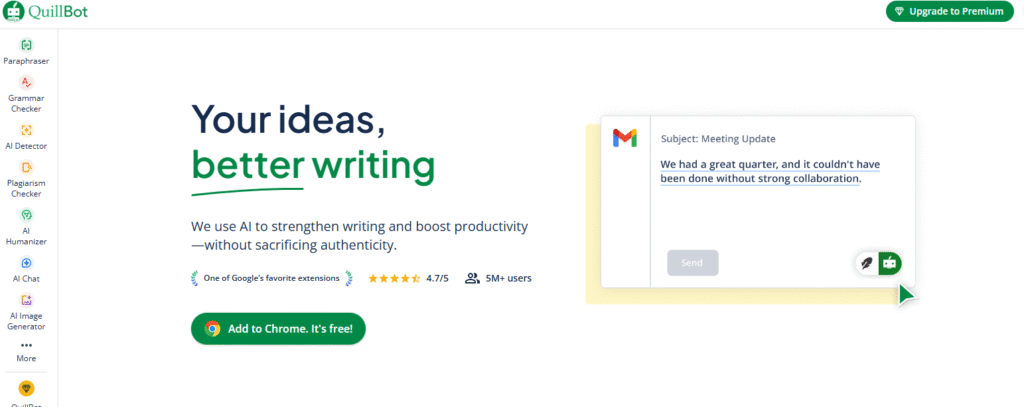
QuillBot is not a full blog-writing tool, and that’s actually a good thing. It focuses on improving content instead of generating it from scratch. When I want to upgrade rough AI drafts into smooth, natural writing, QuillBot is the first tool I open.
It helps remove robotic structure and repetitive patterns that budget AI tools sometimes produce. In simple words: QuillBot takes “AI text” and makes it sound more like your writing.
Pricing Snapshot
- Free plan: Basic paraphrasing + grammar support
- Premium plan: Very affordable, and worth it for professional editing workflows
(Plans change often, so always check official pricing.)
Where QuillBot Helps Most (Real Expert Use)
- Paraphrasing and rewriting: Makes text more unique without losing meaning
- Grammar and clarity improvements: Perfect for client-ready polish
- Breaking AI patterns: Great when content feels repetitive or too generic
- Citation and academic support: Useful for students and formal topics
Where It Doesn’t Replace Other Tools
- Not a content creator: It refines content, it doesn’t plan or write full articles.
- Limited SEO capabilities: You must manage structure, keywords, and topical depth manually
Think of QuillBot like a great editor, not a writer.
Expert Verdict
If you’re using AI to produce large amounts of content fast, you absolutely need QuillBot (or a similar polish tool) in your workflow. It reduces client revisions, keeps your style consistent, and improves the final quality instantly.
8: Hypotenuse AI: Best Budget Tool for Ecommerce & Product Descriptions
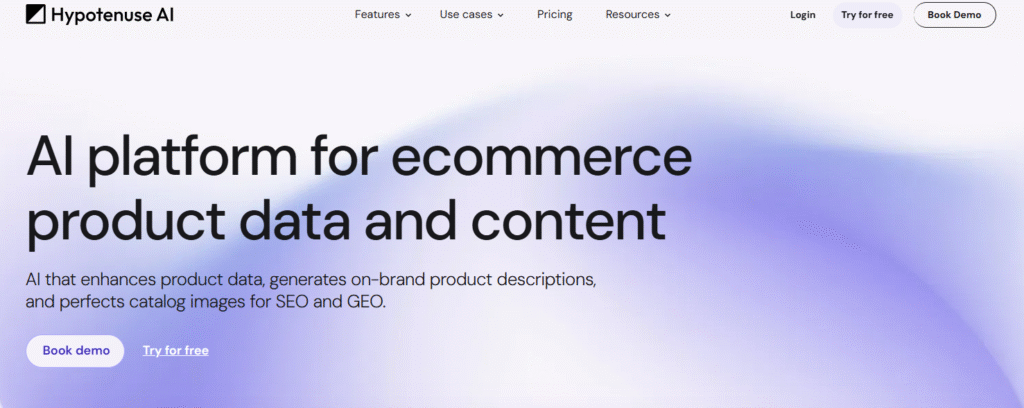
Hypotenuse AI is built for one purpose: content that sells. If you’re working with e-commerce clients, platforms like Shopify, Amazon, Etsy, Daraz, this tool can speed up product description writing better than general-purpose AI apps.
I tested Hypotenuse specifically for bulk product uploads. It focuses on the details that matter: features, benefits, and persuasive copy that pushes the buyer toward a decision.
Pricing Snapshot
- Free trial enough to test real use-cases
- Affordable starter plan for small stores and beginner sellers
(Pricing varies, so always check the official page for current offers)
Where Hypotenuse Delivers Most Value
- Bulk product descriptions and category pages
- AI-generated product titles, bullets, and marketing copy
- Clear buyer-focused tone that improves conversions
- Perfect for e-commerce sellers handling large catalogs
If you’re writing 10, 50, or even 100 product descriptions per month, this tool saves hours and also reduces repetitive writing fatigue.
Where It Needs Your Role as an SEO Expert
- SEO metadata often needs manual improvement
- Internal linking and keyword strategy still rely on you
- Not ideal for long-form authority blogs
It’s a specialist tool, and that’s why it’s valuable.
Expert Verdict
For product-based businesses, Hypotenuse is a high-ROI choice. Write better product listings faster, spend less time on repetitive wording, and generate more revenue with conversion-ready copy.
9: Google Gemini: Best Tool for Quick Drafts and Research Support
Google Gemini is often overlooked in “cheap AI writing tools” lists but in 2026, it’s one of the smartest budget-friendly options, especially if you want a mix of research, drafting, and flexibility without a big cost.
Pricing Snapshot
- Free tier is good enough for occasional use, rough drafts, outlines, and research mixes. Gemini+1
- Paid plans (when needed) still much cheaper than many dedicated content-writing tools.
Where Gemini Delivers (Based on My Tests)
- Quick ideation and brainstorming: Great for when you need topic ideas, blog outlines, or first-draft sketches in minutes.
- Research + summarization: Useful for gathering information fast, summarizing sources, and building content frameworks.
- Versatile content creation: From short-form posts to longer drafts — but especially effective when paired with your editorial and SEO know-how.
- Low barrier for beginners or tight budgets: Free access makes it ideal for students, side projects, or early-stage blogs where budget is a concern.
What Needs Your Oversight
- Depth and polish: Like most free (or budget) tools, outputs often need editing, especially for SEO optimization, structure, flow, originality.
- Generic style risk: Without your direction and editing, writing can sound bland or formulaic.
- Reliance on you for final quality: Gemini helps draft and plan but ranking and human feel still depend on your skills.
Expert Verdict
Use Gemini as a smart drafting and research assistant but not a full replacement for a polished content process. When you combine Gemini’s speed with your SEO strategy and editing, you get great results with minimal cost.
10: Copy.ai: Good for Business Copy and Marketing Workflows
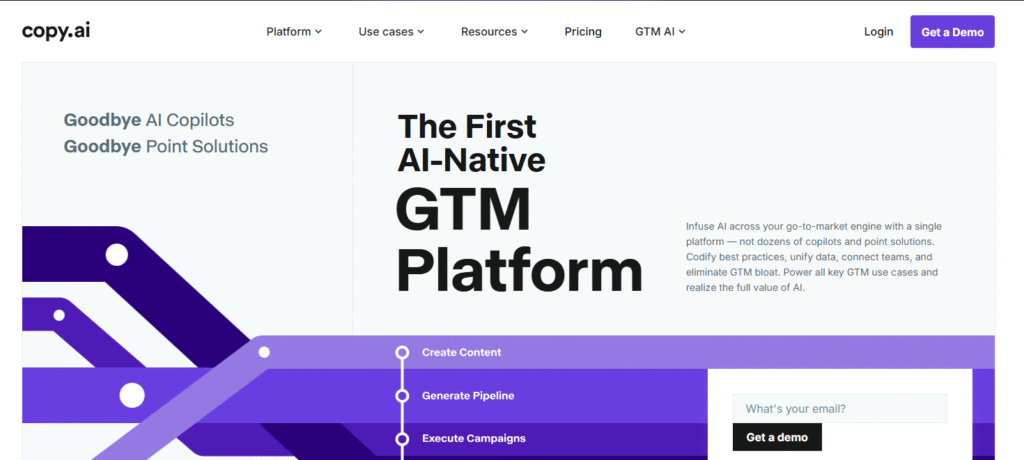
Copy.ai is built for business writing. If you handle clients who need marketing copy, product messaging, or conversion-focused content, this tool can simplify your process, especially when you’re managing multiple brands at once.
I’ve used Copy.ai for landing page drafts, short ad copy, CTAs, and lead-focused content. It’s not the cheapest on the market, but the value per project is solid if your goal is to influence buyer decisions.
Pricing Snapshot
- Free plan available for light usage
- Affordable paid plans with more templates and project automation
(Always check official pricing for the latest updates.)
What Copy.ai Does Well (Based on My Real Testing)
- Marketing-driven output: clearer hooks, better angles, stronger offers
- Quick campaign support: ads + email + landing page copy work together
- Brand voice features: useful when handling recurring clients
- Short-form excellence: powerful for e-commerce and digital campaigns
Expert Verdict
Copy.ai is a strong choice for freelancers and small agencies offering marketing services. If you write landing pages, ad copy, or sales emails, this tool saves time and delivers angles clients appreciate.
Which Tool Should You Choose? (Quick Expert Recommendation)
You don’t need all 10 tools.
Choose based on what matters most in your workflow:
| If you want… | My Recommendation |
| The best cheap AI writing tool overall | ChatGPT: maximum capability with minimum cost |
| SEO-focused content that ranks | Writesonic: strong SERP-driven content structure |
| Unlimited writing on a small budget | Rytr: fast, affordable, and simple |
| The most human-like writing style | Claude: perfect for authority blogs and brand tone |
| A one-time investment with long-term use | WordHero or Writecream |
| Bulk product descriptions for ecommerce | Hypotenuse AI |
| A powerful polishing tool | QuillBot |
| Research + outlines for free | Google Gemini |
| Marketing and conversion-focused content | Copy.ai |
My Final Note:
Cheap doesn’t mean low quality.
The real results come from your skills:
AI + Your SEO Strategy = Growth
AI + Your Editing = Quality
AI + Your Workflow = Profit
FAQs: Cheap AI Writing Tools 2026
What are the best cheap AI writing tools in 2026?
Top affordable options include ChatGPT, Writesonic, Rytr, Claude, WordHero, Writecream, QuillBot, Hypotenuse AI, Google Gemini, and Copy.ai. Each tool is budget-friendly and useful for different writing needs.
Can cheap AI writing tools still produce high-quality content?
Yes. Cheap tools can produce quality drafts if you guide them with a strong outline and edit the final content. AI gives you speed, but your SEO and writing skills make the content truly valuable.
Which cheap AI tool is best for SEO-friendly articles?
Writesonic and ChatGPT perform best for SEO-based content creation. They can help with outlines, keyword placement, headings, and search intent — especially when you apply your own strategy.
What is the best free AI writing tool in 2026?
ChatGPT Free and Google Gemini are the strongest free options. They handle ideas, outlines, drafts, and short-form content without any cost.
Can I use cheap AI tools to write client work?
Absolutely. Many freelancers use budget AI writing software to save time and deliver more projects each month. Just make sure you edit, add originality, and follow project guidelines.
Do AI writing tools replace human writers?
No. AI cannot replace real experience, creativity, and SEO strategy. It assists with writing tasks, but humans still provide expertise, quality control, and unique insights.
Which cheap AI writer is best for ecommerce product descriptions?
Hypotenuse AI and Writecream are strong choices for product listings and sales copy that converts.
How much do budget AI writing tools usually cost?
Most cheap AI writing tools cost between $0 and $20 per month, depending on usage needs. Some even offer lifetime deals for long-term savings.
Are AI writing tools safe to use for professional content?
Yes, as long as you fact-check, edit for accuracy, and avoid plagiarism. Use AI as a support tool — not as the final authority.
Can I write a full blog using only free AI tools?
Yes, but you’ll spend more time on editing, structure, and SEO optimization. Free tools are a great starting point, but paid plans save more time when you scale.
Conclusion
Start lean, scale wisely, and invest only in what actually improves your output. Choosing the best AI writing tool or cheap AI writing tools in 2026 is a big challenge. If you stay focused on value instead of hype, you’ll get faster results, better client satisfaction, and more profitable content without overspending on software.
About the Author
Gulfam Ali is an SEO specialist with over 7 years of experience in search engine optimization, with a strong focus on Technical SEO and organic growth. He has worked with businesses across multiple industries, managing SEO projects for clients in different countries and helping them improve Google rankings, increase organic traffic, and achieve sustainable growth.
His work includes contributions to international platforms, reflecting a strong understanding of high-quality content and SEO best practices. As the founder of GulfamAli.com, he helps businesses worldwide grow through structured SEO strategies, ethical practices, and performance-driven results.